Manage Files holds PDF files, such as a price list, CV or exhibition catalogue, and gives each one its own web address. You link to that address from your website or an email so people can open or download the file.
Is it on your website?
Your admin's Settings menu shows a Files item only when file uploads are switched on for your website, and we switch it on for you. If you do not see it, select Contact Us at the bottom right of your admin and ask.
What the screen does
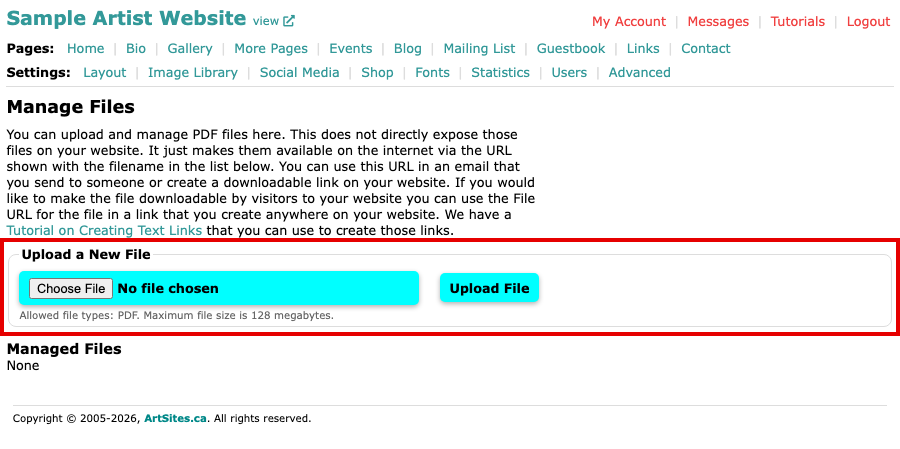
- Upload a New File takes one file at a time. Select Choose File, pick the PDF on your computer, then select Upload File. Only PDF files are allowed, up to 128 megabytes each.
- Managed Files lists each uploaded file with its Date Uploaded and Size, and under it a File URL: the web address of the file.
- The trash can icon beside a file deletes it, after asking you to confirm. A link to a deleted file stops working.
An uploaded file does not appear on your website by itself. It is only available at its File URL until you link to it.
Link to the file
Copy the File URL and use it as the address of a link in any page. Make Text Link to Another Page shows how to make a link in the content editor, and you can paste the same address into an email.
If you see an Other Files list under Managed Files, those files may have been uploaded by our support staff for your website. Leave them as they are unless you are sure you no longer need them.