Most layouts show an "Inquire about this work" link under each image in your galleries. It opens your contact form so a visitor can ask about that work. You can change its words, or remove the link.
Open Advanced in the Settings menu at the top of your admin.
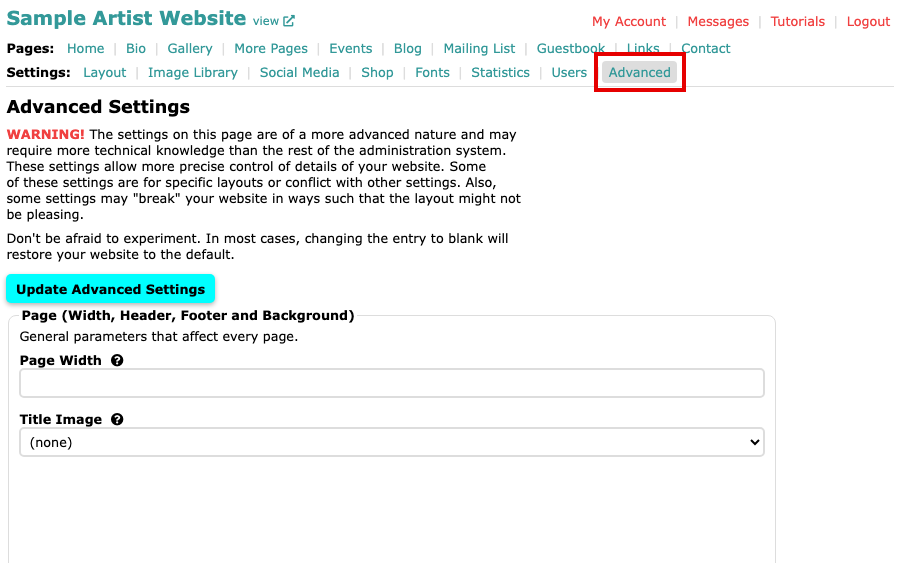
The Advanced Settings page, with Advanced selected in the Settings menu Scroll down to the Images section and find Image Inquire Text.
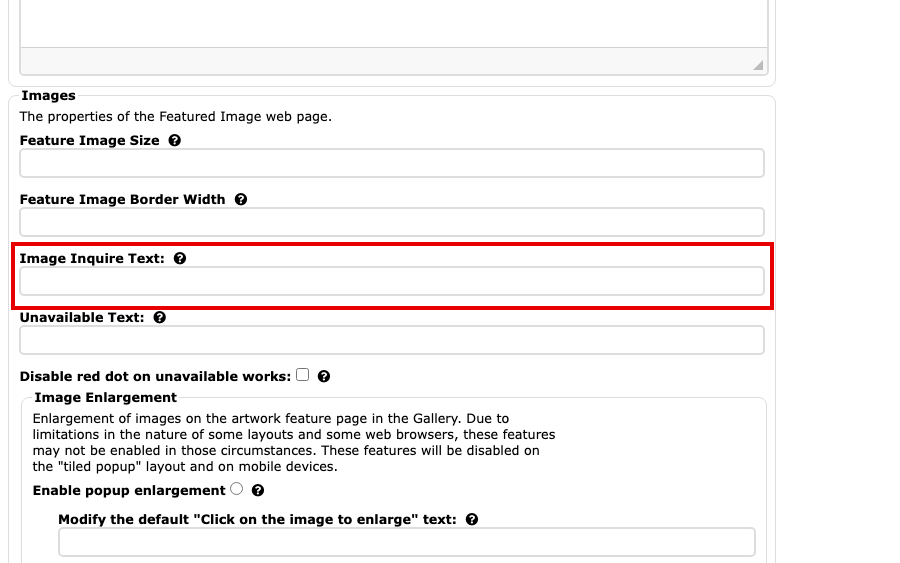
The Image Inquire Text field in the Images section, below Feature Image Border Width Type the words you want shown instead, or type
noneto remove the link. Leave the field blank to use the standard words.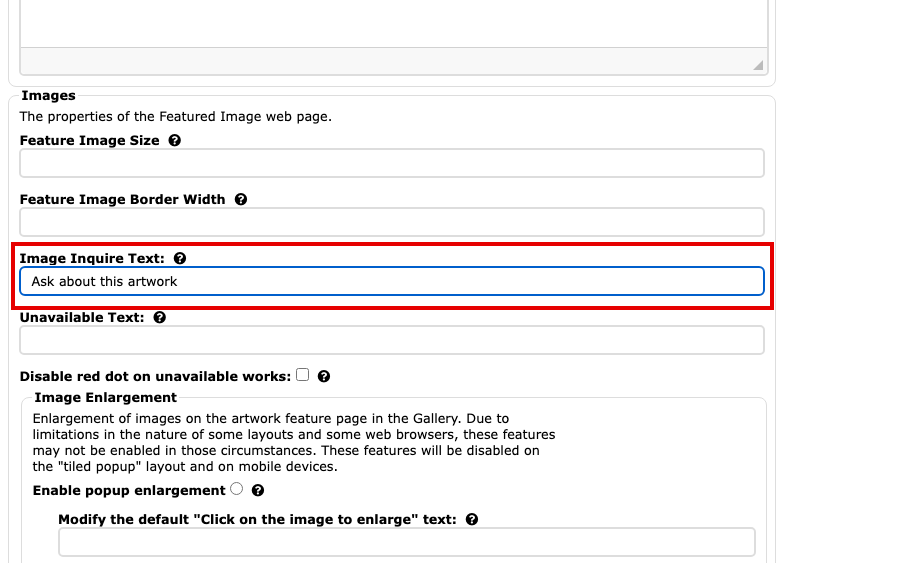
The Image Inquire Text field with new words typed in Select Update Advanced Settings to save. The button is at the top and at the bottom of the page.
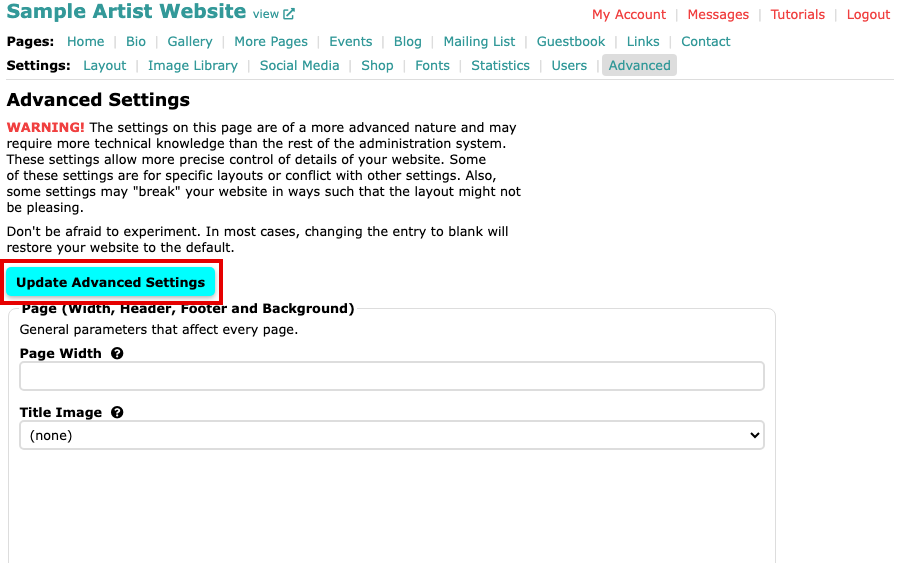
The Update Advanced Settings button at the top of the page
Your gallery pages now show your words under each image, or no link if you typed none.