Your website shows a copyright line at the bottom of every page. You can replace it with your own words.
Open Advanced in the Settings menu at the top of your admin.
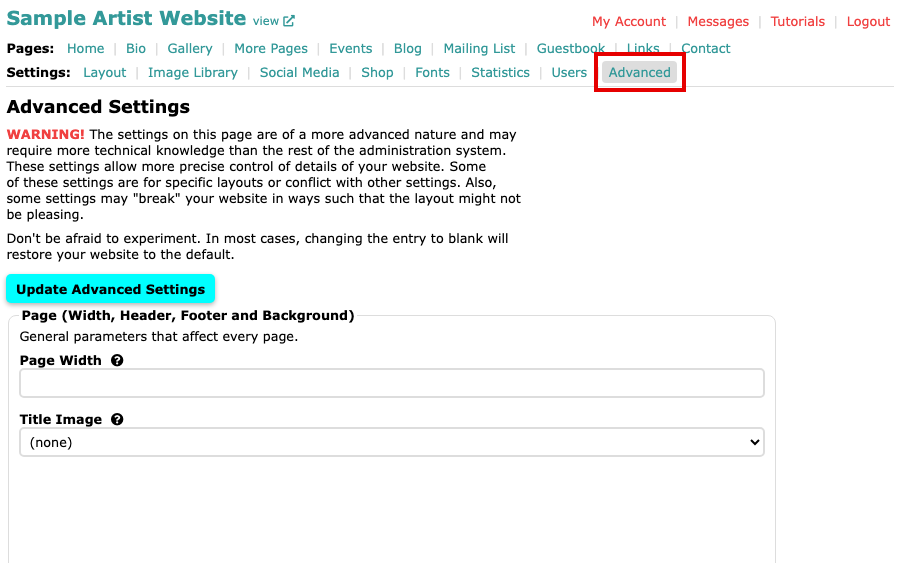
The Advanced Settings page, with Advanced selected in the Settings menu Find Copyright Message, in the first box of settings.
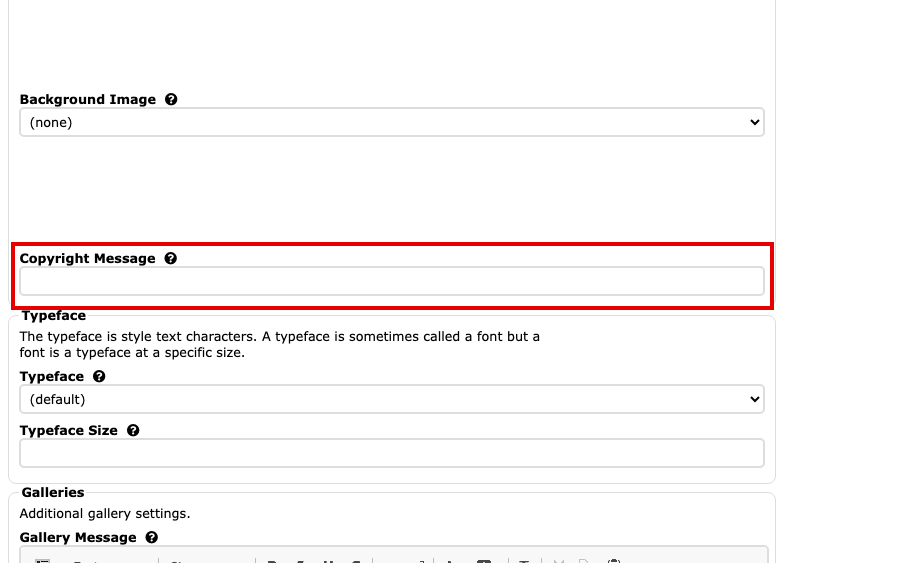
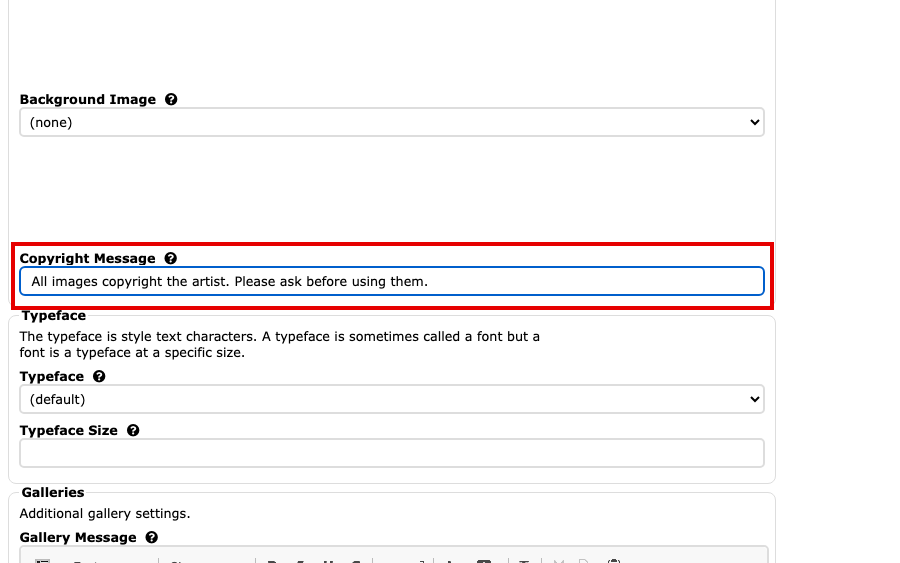
The Copyright Message field, below Background Image Type the copyright line you want.
The Copyright Message field with a copyright line typed in Select Update Advanced Settings to save. The button is at the top and at the bottom of the page.
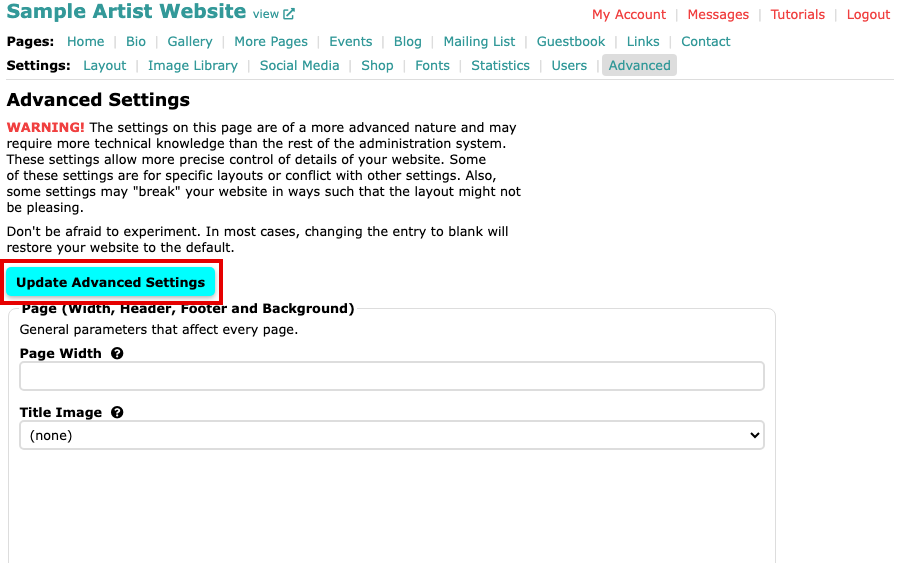
The Update Advanced Settings button at the top of the page
Your copyright line now shows at the bottom of every page. To go back to the standard line, which adds the current year for you, clear the field and save again.