Your Statistics page shows basic page views. A tool such as Statcounter or Google Analytics shows much more. Each gives you a short piece of code, and ArtSites puts that code on every page of your website.
Before you start: sign up with the tool, add your website to it, and copy the tracking code it gives you. The tool's own help explains how to find the code. If you have not used one of these tools before, leave this box empty.
Open Statistics in the Settings menu at the top of your admin. External Statistical Analysis is below the Page Views tables.
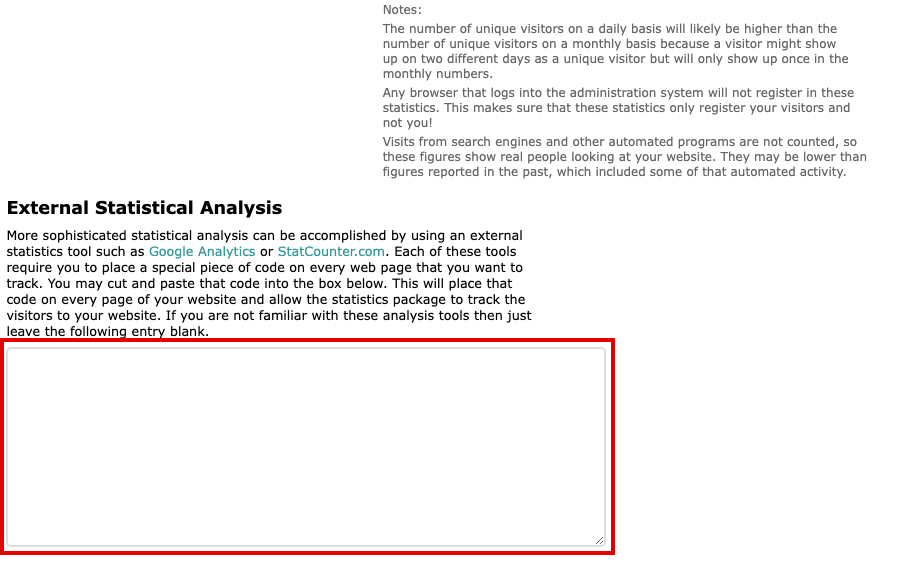
The Statistics page, with the empty External Statistical Analysis box below the page view notes Click in the box and paste the code.
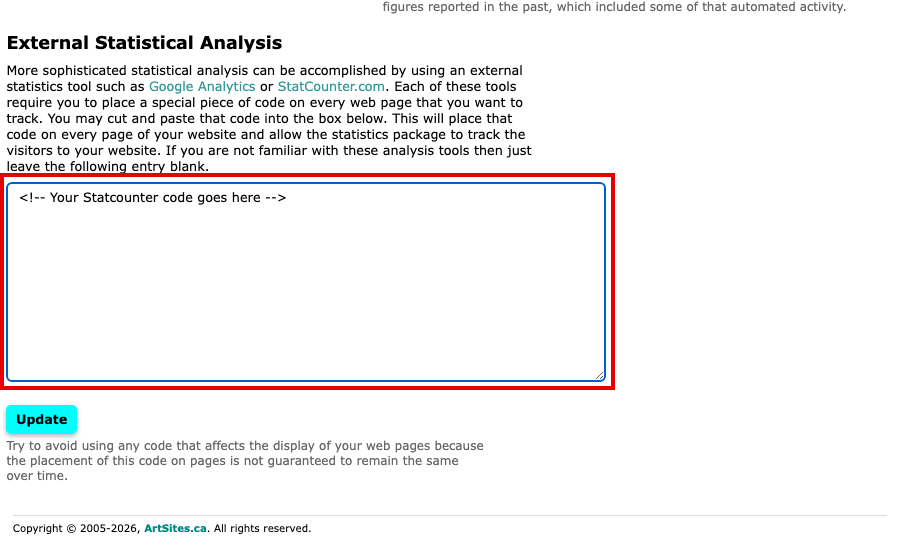
The External Statistical Analysis box with a code pasted in Select Update to save. The message Statistical analysis code updated confirms it.
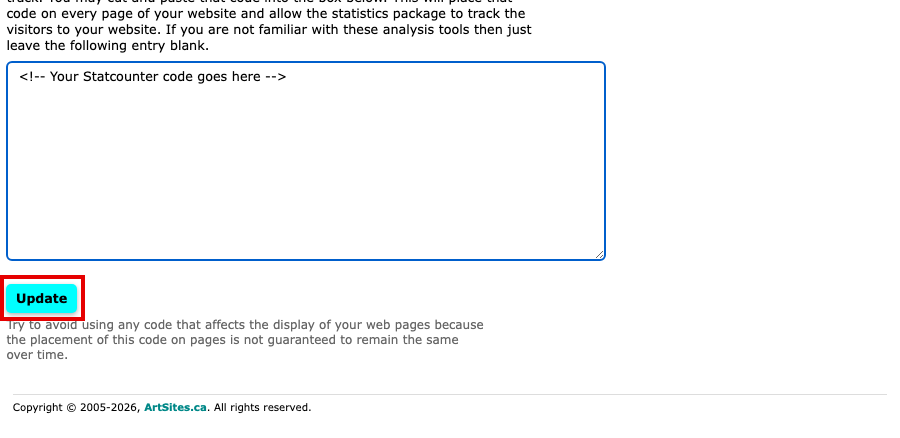
The Update button below the External Statistical Analysis box
The code now runs on every page of your website, and the tool starts collecting its figures. To stop, clear the box and select Update again.
Avoid code that changes how your pages look. Where the code sits on a page is not guaranteed to stay the same over time.